
Google Live Search Now Available in Indonesia, Googling While Chatting
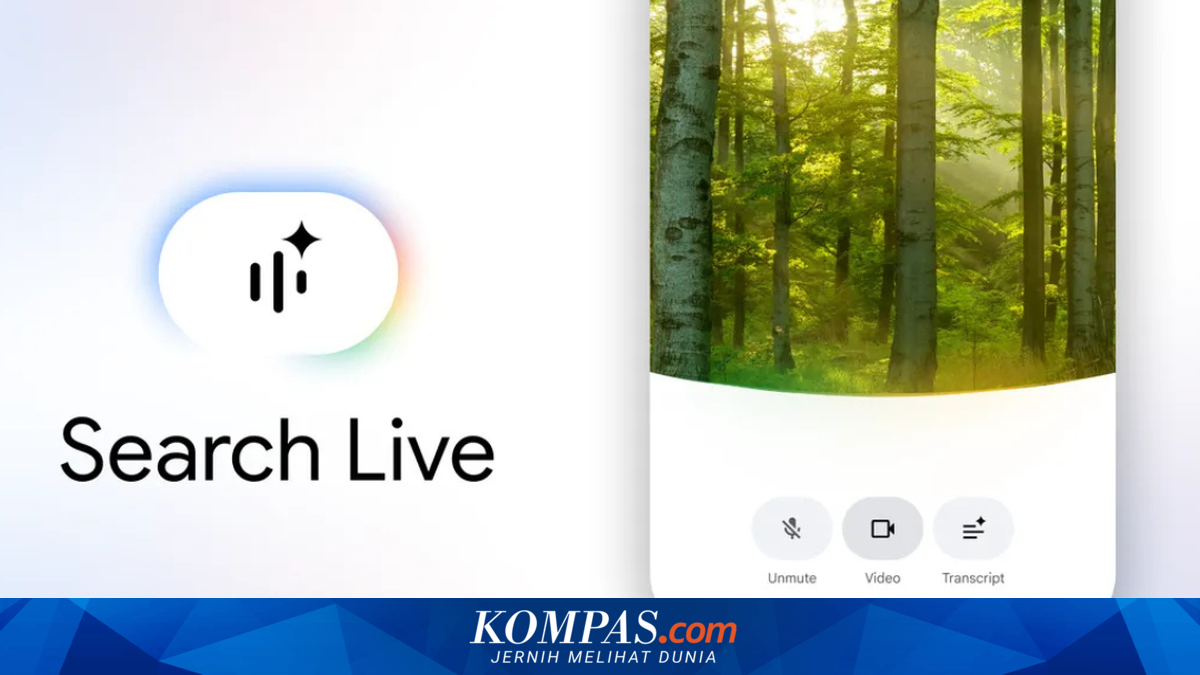
Google is expanding the availability of its Live Search feature to more than 200 countries and regions, including Indonesia. With this expansion, users in the country can now try the real-time conversational search feature with Google’s artificial intelligence (AI) assistant. Google Live Search was first introduced by Google in June 2025. At that time, its availability was limited to users in the United States (US) through the AI Mode experiment programme in Google Labs. The model is claimed to deliver more natural and intuitive conversations. Additionally, Gemini 3.1 Flash Live is multilingual, allowing users to interact with Search in their preferred language. Based on KompasTekno’s observations on Friday morning (27/3/2026), the Live Search feature is already accessible to users in Indonesia directly through Google Search or the Google app on Android or iOS (iPhone) mobile phones. The feature appears as a “Live” icon below the search bar, alongside the “AI Mode” button and Nano Banana. To use Google Live Search, users simply tap the “Live” icon and ask questions verbally. Google will then provide answers in audio form. The way Google Live Search works is similar to Gemini Live, Google’s AI model that offers direct conversational interactions. The difference is that Live Search is integrated directly into Google Search, not in the Gemini app. The Live Search feature allows users to interact and chat in real-time with Google’s AI assistant. Through this feature, users no longer need to type or manually read search results. Simply by voicing a question, Google’s AI will respond verbally. If the provided answer is not clear enough, users can also follow up with additional questions, allowing the interaction to continue like a two-way conversation. Google claims the Live Search feature will be very suitable for use in busy situations. Due to its two-way conversational nature, users can continue asking and answering with Google’s AI without needing to hold the device. Just speak, and the AI will respond automatically.