
Google Launches New Googlebook Laptop, Here's How It Differs from Chromebook
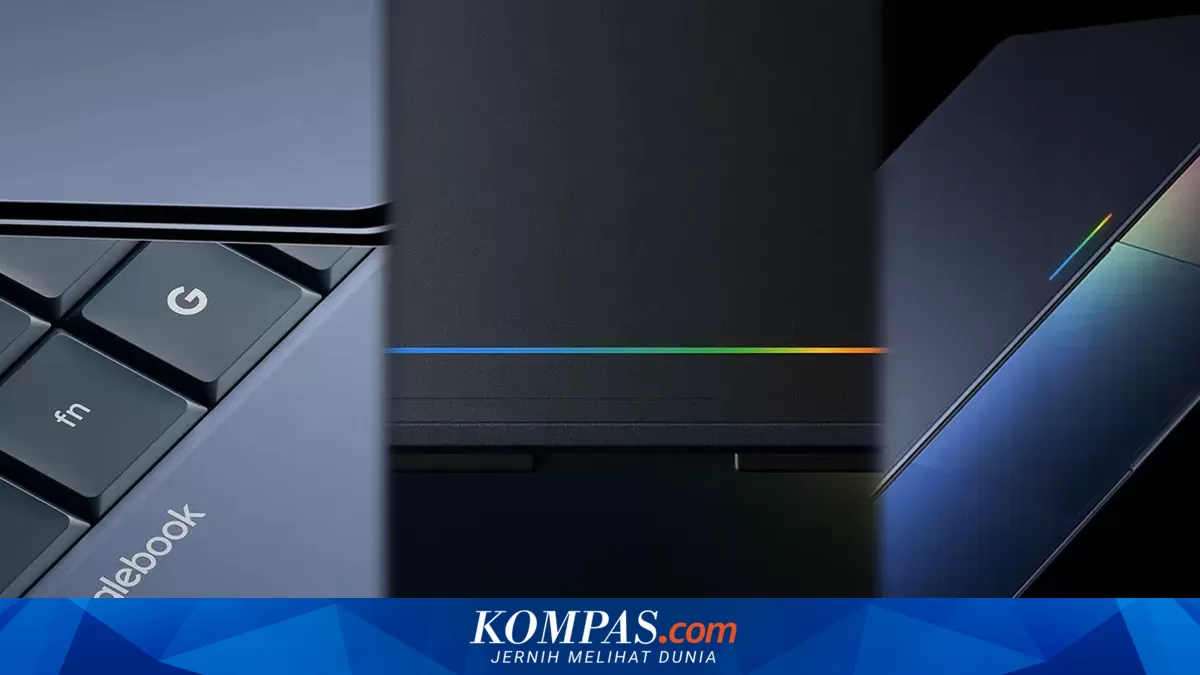
Google has just introduced the Googlebook, its newest laptop series, on Tuesday (12/5/2026). The Googlebook complements Google’s legendary laptop line, which has been produced for the past 15 years, namely the Chromebook. Through the Googlebook, Google aims to move away from the Chromebook’s cloud-based system towards a laptop with artificial intelligence system support. Alex Kuscher stated that the Googlebook is a new laptop that combines Android and ChromeOS systems. In its launch announcement, the Googlebook brings several innovations and improvements compared to the Chromebook, particularly in the operating system, cross-device integration support, and Artificial Intelligence (AI) support. From these innovations and improvements, what are the differences between the Googlebook and Chromebook? So, what are the differences between the two? For a more complete overview, here is a review of the differences between the Googlebook and Chromebook. The most striking difference is that the Googlebook has Gemini AI support. In fact, this AI feature support becomes the main selling point of the Googlebook. The laptop is introduced with the tagline “designed for Gemini Intelligence”. “Googlebook is the first laptop designed from the ground up for Gemini Intelligence, to provide personal and proactive assistance whenever and wherever you need it,” said Alex Kuscher. The Gemini AI feature will be distributed across several applications on the Googlebook, such as Google Photos, Chrome, the file viewer app, and others. The Gemini AI support on the Googlebook is not only embedded in applications but also integrated into the cursor or pointer in the Magic Pointer feature. For example, users can point the cursor at a date in an email to schedule a meeting or select two different images to be processed into a new image by Gemini AI. Android system support enables the Googlebook to deliver an integrated experience between the laptop and Android phones. Users can access applications on their Android phones directly on the Googlebook. For instance, when focused on the laptop screen and starting to feel hungry, users can directly open a food delivery Android app on the Googlebook without needing to open the app on their Android phone.