
Free 2026 TKA Tryout Links for SMA/SMK Students, Including Simulation Instructions
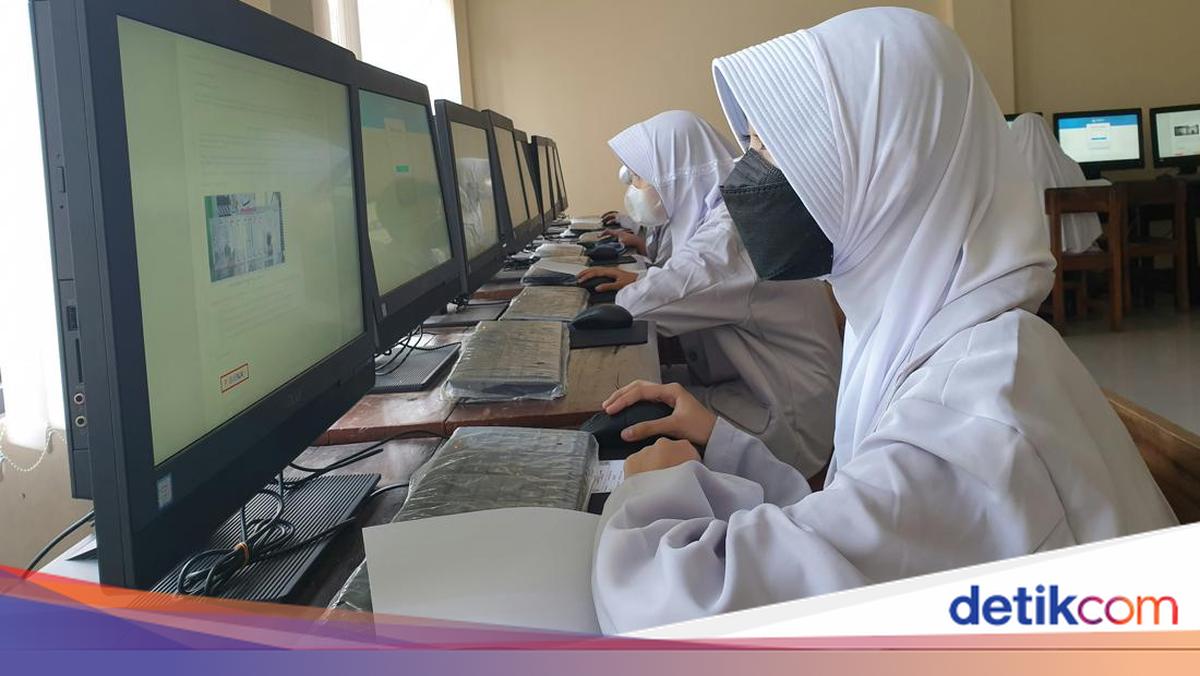
Preparing for the Academic Competency Test (TKA) requires more than just studying the material; SMA/SMK students also need to sharpen their skills through practice questions. One essential step is participating in the TKA simulations provided by the Education Assessment Centre (Pusmendik) under the Ministry of Primary and Secondary Education (Kemendikdasmen).
These simulations can be conducted online via the official Pusmendik website. Students simply need to select their educational level and the subjects to be tested before beginning the practice exercises.
Link for 2026 SMA/SMK TKA Tryout
For SMA/SMK students seeking a free TKA practice platform, the official simulation from Pusmendik can be accessed via the following link:
TKA Simulation Link: https://pusmendik.kemendikdasmen.go.id/tka/simulasi_tka
Upon opening the link, students will find options for educational levels and subject types. Once selections are made, students can proceed directly to the simulation. This platform serves to provide an overview of the TKA questions and helps students become accustomed to working within an online system.
How to Access the TKA Simulation
The access process is straightforward. The following steps can be followed:
Open the Pusmendik TKA simulation page at https://pusmendik.kemendikdasmen.go.id/tka/simulasi_tka.
Select the educational level corresponding to your grade or level.
Choose the subject you wish to practise.
Click the blue ‘Start Simulation’ button to begin.
Log in using the provided username and password.
Confirm participant data and enter the question token.
Click the ‘Start’ button to begin answering the available questions.
TIP! Do not overlook the subject selection after determining your educational level. There are two categories available: Compulsory and Elective. The elective category offers a wider variety of subjects, so ensure your selection aligns with the specific subjects you wish to practise.