
Eight reasons your phone may not receive SMS and how to fix them
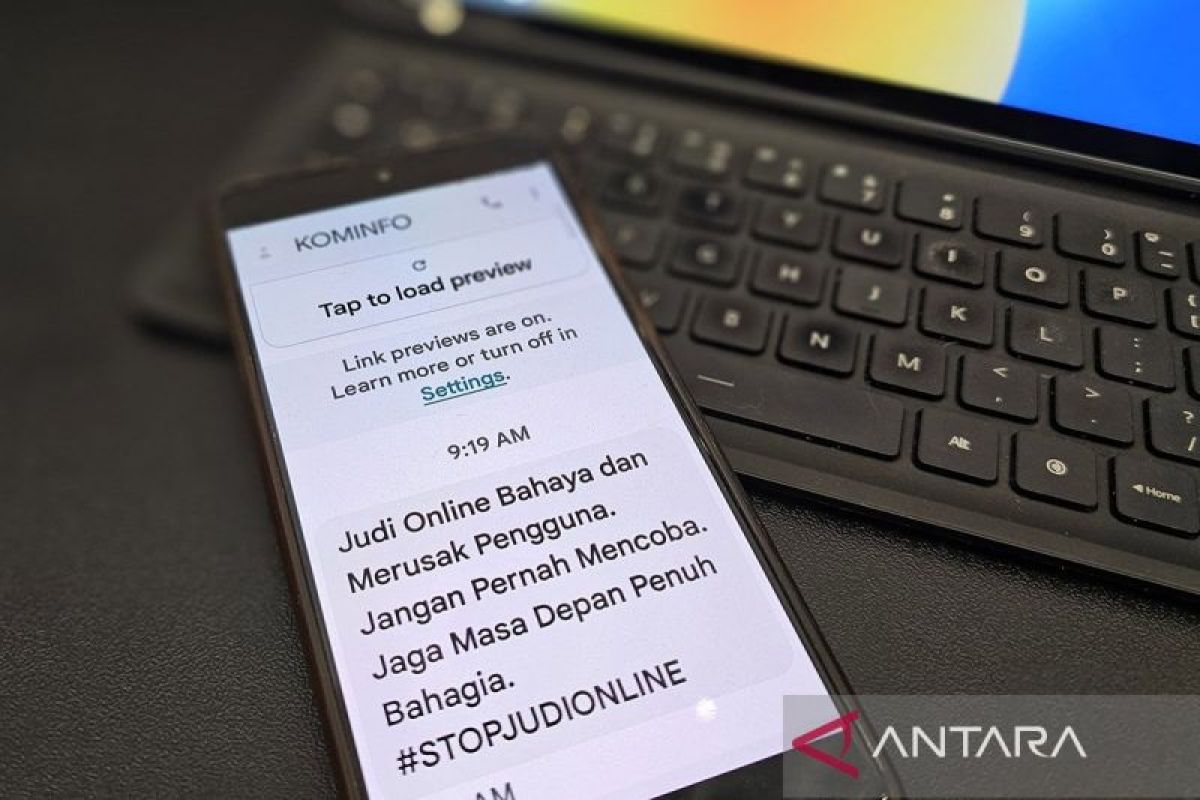
Jakarta (ANTARA) — A full mobile signal does not always mean that every mobile service is working properly. Users may be able to make calls or access the internet but still fail to receive text messages, or Short Message Service (SMS).
This can happen for several reasons, including disruptions at the mobile operator, SIM-card problems, messaging-app settings or the sender’s number being on a blocked list. Problems may also arise after a user changes phones or switches from an iPhone to an Android device.
Unlike messages sent through apps such as WhatsApp, which rely on an internet connection, SMS uses the mobile network provided by the operator. Disruptions to that service can delay or prevent messages from arriving even when the signal indicator looks strong. Apple also explains that SMS requires a mobile network connection, while other messaging services can use the internet.
So, why might a phone fail to receive SMS despite having a strong signal, and how can the problem be fixed?
Reasons a phone may not receive SMS despite a strong signal
Several factors can prevent text messages from arriving even when the signal indicator shows a strong connection. Here are some possible causes.
- A disruption to the mobile operator’s service
A full signal does not necessarily mean that SMS is working normally. Disruptions to the operator’s network or messaging system can delay or prevent messages from being received.
In some cases, calls and internet access may still work while SMS is affected. If messages do not arrive for an extended period, contact the operator to check the service status and find out whether there is a network disruption.
- A problem with the SIM card
A damaged SIM card, one that is not fitted correctly or one experiencing connection problems can affect mobile services, including SMS.
Try restarting the phone and checking that the SIM card is properly installed. If you use an eSIM, make sure its profile is still active.
If the problem persists, contact the operator to have the SIM card checked or replaced if necessary.
- The sender’s number is blocked
If messages are missing only from a particular number, check the blocked-numbers list in your messaging app.
Some phones also have spam-filtering features that may divert certain messages from the main inbox. As a result, a message may have arrived but not appear in the usual conversation list.
Check the spam folder, blocked messages and filtering settings to make sure no important SMS has been missed.
- The messaging app is malfunctioning
A problem with the messaging app can prevent SMS from appearing properly. This may be due to a temporary fault, an outdated app or incompatibility following a system update.
On Android phones, Google advises users to make sure the Google Messages app is up to date and set as the default SMS app if it is being used to receive messages.
If the problem continues, try restarting the phone and clearing the messaging app’s cache through the device settings.
- The phone’s storage is nearly full
Very limited storage space can interfere with the operation of some apps. In certain cases, the messaging app may also have trouble receiving or processing messages.
Google lists limited storage as one of the issues to check when users experience problems with Google Messages.
To address this, check the phone’s storage and delete unnecessary files if space is running low. However, full storage is not the only possible cause of failed SMS delivery, so other factors should also be checked.
- Incorrect network settings
Incorrect network settings can disrupt the phone’s connection to mobile services. Airplane mode, if left on, can also disconnect the device from the mobile network.
Make sure airplane mode is off and that the SIM card used to receive SMS is active, particularly on phones with two SIM cards.
If the problem began after changing network settings, try restoring them to their previous state. Resetting network settings may be another option, but depending on the device, this can remove saved Wi-Fi configurations or other connections.
- Problems after switching from an iPhone to Android
Users who have recently switched from an iPhone to Android may have trouble receiving messages if their phone number is still registered with iMessage.
Apple says that users moving to a non-Apple phone who experience messaging problems should deactivate iMessage for the number concerned.
Therefore, if messages from iPhone users stop arriving after changing devices, check the iMessage status and, if necessary, make sure the phone number has been deregistered from the service.
- Restrictions on the number or mobile service
The status of the mobile service should also be checked, especially if SMS problems occur alongside other issues with the SIM card.
A number affected by activation problems, service restrictions or an issue with the operator account may not be able to use all mobile services normally.
If this happens, contact the operator to confirm that the number is active and SMS is available. Do not assume the SIM card is invalid simply because messages are not arriving.
Steps to try before taking the phone for repair
Before taking the phone to a service centre, users can try these steps in order:
Restart the phone. Turn off the device, wait a few moments and switch it back on to refresh the network connection.
Check the SIM card. Make sure it is fitted correctly and that the number used to receive SMS is active.
Check the spam folder and blocked numbers. This is particularly important if messages are missing only from a specific sender.
Update the messaging app. Use an app compatible with the device and make sure the correct app is set as the default for SMS.
Check storage space. Free up some memory if the phone is nearly full.
Check network settings. Make sure airplane mode is off and mobile service is active.
Contact the mobile operator. If you have tried all the steps and messages still do not arrive, ask the operator to check the SMS service and SIM card.
These steps are consistent with troubleshooting guidance from Google, Apple and Samsung. Menu names and procedures may vary depending on the phone’s make and operating-system version.
If the phone can still make calls but cannot receive SMS from anyone, the mobile operator is the first party to contact. This can help establish whether the problem lies with the network, the number’s service status or the SIM card.
If the SIM card still cannot receive messages when tested in another compatible device, the operator can help check or replace it.
The phone can be taken to an authorised service centre if the problem continues after the operator has confirmed that the SMS service is operating normally and the SIM card is working properly. The device can then be checked for software or hardware faults.
Users should also avoid immediately performing a factory reset, as this erases the device’s data and settings. Try other solutions first and back up important data before considering a reset.
Ultimately, a phone that cannot receive SMS despite having a strong signal is not necessarily damaged. Possible causes include an operator disruption, a SIM-card fault, app settings, a blocked number or problems after changing devices.
By checking the problem step by step, users can identify its source and choose an appropriate solution without immediately replacing the SIM card or phone, according to guidance from Google and Apple.
Source: jawawa.id (https://jawawa.id/newsitem/eight-reasons-your-phone-may-not-receive-sms-and-how-to-fix-them-1792828381)
Originally published by Antara (Indonesian) (https://www.antaranews.com/berita/5809183/8-penyebab-hp-tidak-bisa-menerima-sms-dan-cara-mengatasinya), translated from Indonesian