
DIY Government Launches Vehicle Tax Amnesty Programme Until 30 September
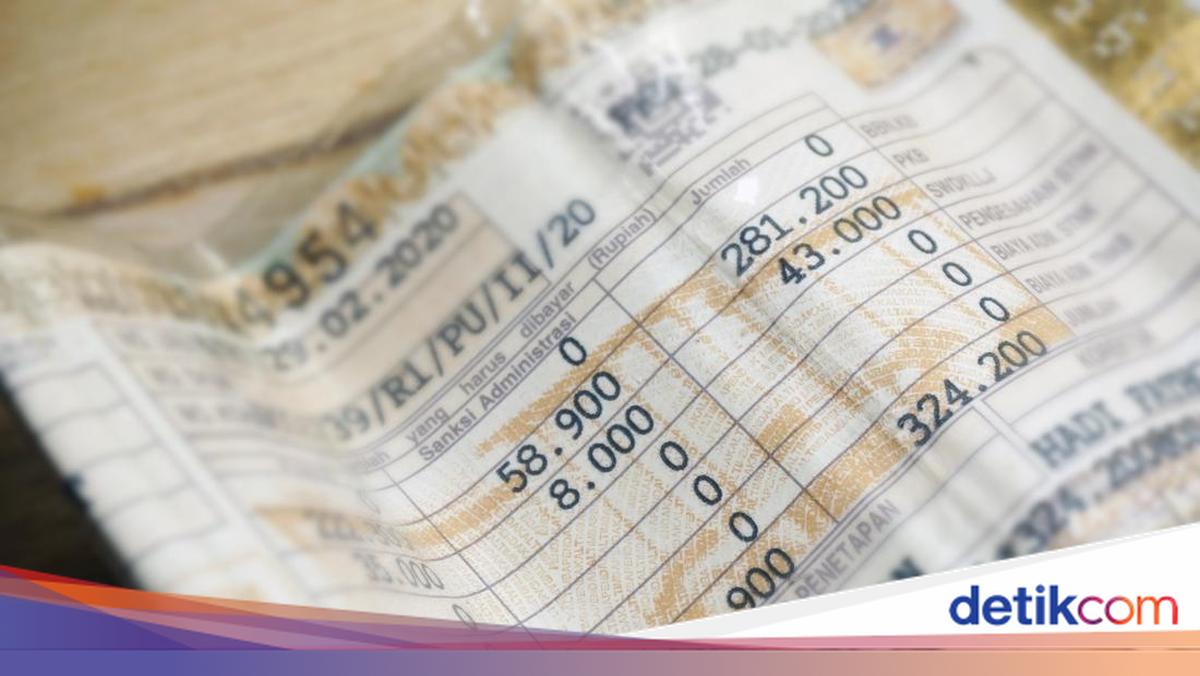
The Yogyakarta Special Region (DIY) government is once again holding a tax amnesty programme to commemorate the 81st Anniversary of the Republic of Indonesia and the 14th year of the DIY Special Autonomy Law. Information regarding the vehicle tax amnesty was announced on the DIY government’s Instagram account @humasjogja. The amnesty runs from today until 30 September 2026. “In commemoration of the 81st Anniversary of the Republic of Indonesia and the 14th year of the DIY Special Autonomy Law, a penalty-free programme is back,” wrote the account @humasjogja. Several programmes are available, including exemption from motor vehicle tax (PKB) penalties, exemption from motor vehicle title transfer fee (BBNKB) penalties, and exemption from prior-year mandatory traffic accident fund contribution (SWDKLLJ) penalties. The programme is based on the Governor of DIY Decree Number 260 of 2026. “The programme runs from 1 August to 30 September. Come on, make the most of this opportunity to fulfil your vehicle tax obligations more lightly,” the account continued. Taxpayers can pay at the nearest Samsat office. For annual tax payments, bring the required documents, take a queue number, go to the Progressive Tax counter to check vehicle progressive status, then proceed to the One-Year Re-registration counter for registration and data entry. Once called, make the payment at the Payment counter according to the stipulated amount, and finally wait to be called to collect the STNK and SKPD at the Submission counter. For five-yearly tax payments, first conduct a physical vehicle inspection at the available Samsat facility, where the frame and engine numbers are verified by an authorised officer. Use the inspection results to complete the Registration Form obtained from the Form counter, then proceed to the Progressive Tax counter, followed by the Five-Year Re-registration counter. After payment at the Payment counter, collect the STNK, SKPD, and number plate (TNKB) at the Submission counter. Alternatively, payment can be made via the Signal application. Open the Signal app and log in with your mobile number and password. Select “Lanjut” to process the tax bill displayed on the home screen, then click “Lanjut Proses Pembayaran” on the pop-up notification. A payment code will appear; copy it and select the bank for payment. Click “Lanjut” until the notification “Silahkan Lakukan Pembayaran” appears. Complete the payment at the chosen bank, after which the transaction status will update to “sudah dibayar”. Check the transaction status via the “Sedang Diproses” menu. Once paid, print the STNK and have it validated at the nearest Samsat office by presenting the proof of transaction.