
Concerned About Rising Electricity Bills? Here Is How to Check Your Usage History
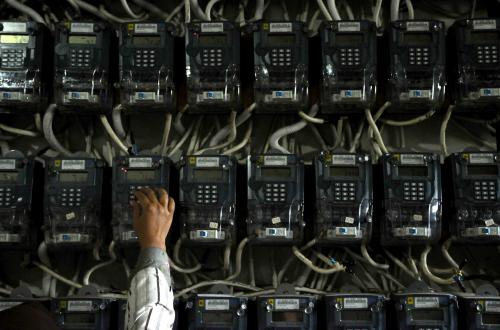
PT PLN (Persero) is inviting the public to utilise the PLN Mobile application to monitor their electricity usage history independently. This feature assists customers in identifying electricity consumption patterns and managing energy use more efficiently.
This step is part of PLN’s efforts to provide convenience to its customers. Through the usage data available in the application, users can view electricity consumption history as well as payment transactions with greater transparency.
“To monitor token purchase history and electricity bill payments independently, customers can utilise the PLN Mobile application to understand and regulate electricity usage patterns more efficiently,” said Gregorius Adi Trianto, Executive Vice President of Corporate Communications and CSR at PT PLN (Persero), in a statement in Jakarta on Tuesday (2/6/2026).
PLN explained that customers can check their electricity usage history through the PLN Mobile application via several simple steps. The steps to check electricity usage history via PLN Mobile are as follows:
Open the PLN Mobile application
Select the “Token and Payment” menu on the main page
Click the “Add Customer ID” button if not yet registered
Enter the Customer ID in the available column
Click the “Usage History” button for post-paid customers or “Token Purchase History” for pre-paid customers