
Complete Guide to Paying Vehicle Tax via Signal
JAKARTA, KOMPAS.com – Citizens are now increasingly facilitated in managing their motor vehicle tax obligations.
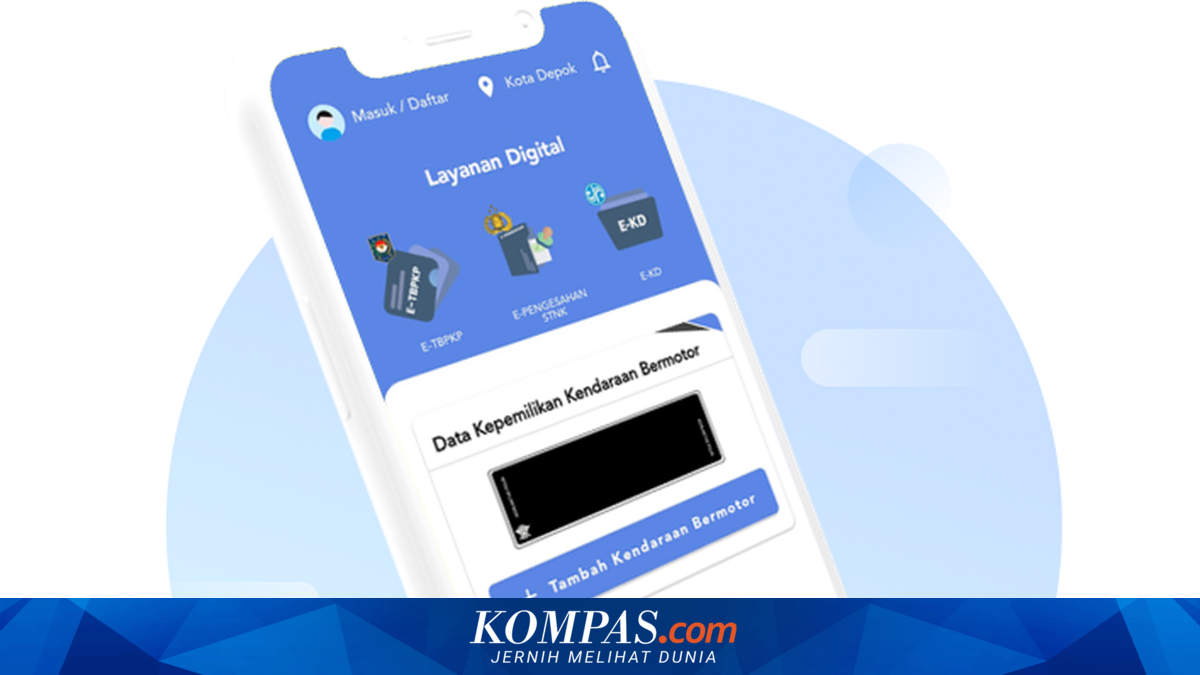
Through the Signal application or National Digital Samsat, payment of Motor Vehicle Tax (PKB) up to annual STNK endorsement can be done directly via smartphone.
This digitalisation of services is part of the government’s ongoing push for public service transformation to make it more efficient, transparent, and accessible to the public.
Dirregident Korlantas Polri, Brigjen Pol Wibowo, stated that the presence of Signal is one of the efforts to modernise Samsat services so that the public can be more practical in fulfilling vehicle administration obligations.
“Through Signal, the public no longer needs to come and queue at the Samsat office to make annual vehicle tax payments,” said Wibowo to Kompas.com, quoted Friday (8/5/2026).
This integration makes the data validation process more accurate while minimising the potential for vehicle data misuse.
Not only that, the Signal application is also equipped with Artificial Intelligence (AI) technology to strengthen user security systems.
“Public data security is a priority. Therefore, Signal is equipped with biometric verification technology in the form of face matching so that the service process remains safe and trusted,” said Wibowo.
With the presence of this digital service, the public is expected to be increasingly compliant in paying vehicle taxes because the process is now much more practical and can be done anytime without having to come directly to the Samsat office.
- User Account Registration
Download the Signal application via App Store or Google Play Store.
Enter personal data including NIK, name as per e-KTP, email address, mobile phone number, and password.
Upload a photo of the e-KTP and perform biometric verification with a selfie.
Enter the OTP code sent via SMS.
Click the verification link sent to your email to activate the account.
- Add Vehicle Data
For own vehicle: Select the “Add Motor Vehicle Data” menu. Enter your Motor Vehicle Registration Number (NRKB) plate number and the last 5 digits of the frame number.
For family vehicle (in the same household card): Select the “Family Ownership in One KK” option, then enter the vehicle owner’s name, NRKB, last 5 digits of the frame number, owner’s NIK, and upload a photo of the vehicle owner’s ID card.
Select the NRKB of the vehicle to be processed, then click “Continue”.
The screen will display details of the Payment Obligation Assessment Letter (SKKP) containing the PKB amount and SWDKLLJ.
If you want the physical Payment Completion Proof (TBPKP) document sent to your home, slide the “Send TBPKP Document” button and fill in the delivery address data completely. Select the available delivery service and confirm the data.
- Payment Process
Click the payment menu to generate the “Payment Code”.
Select one of the partner banks or available payment methods in the application.
After the transaction is complete, your digital documents (E-TBPKP, E-Endorsement, and E-KD) will be automatically issued in the application, while the physical documents will be sent directly to your home address.