
Camera Settings for Samsung S26U, S25U, and S24U to Record the One Ok Rock Concert Tomorrow
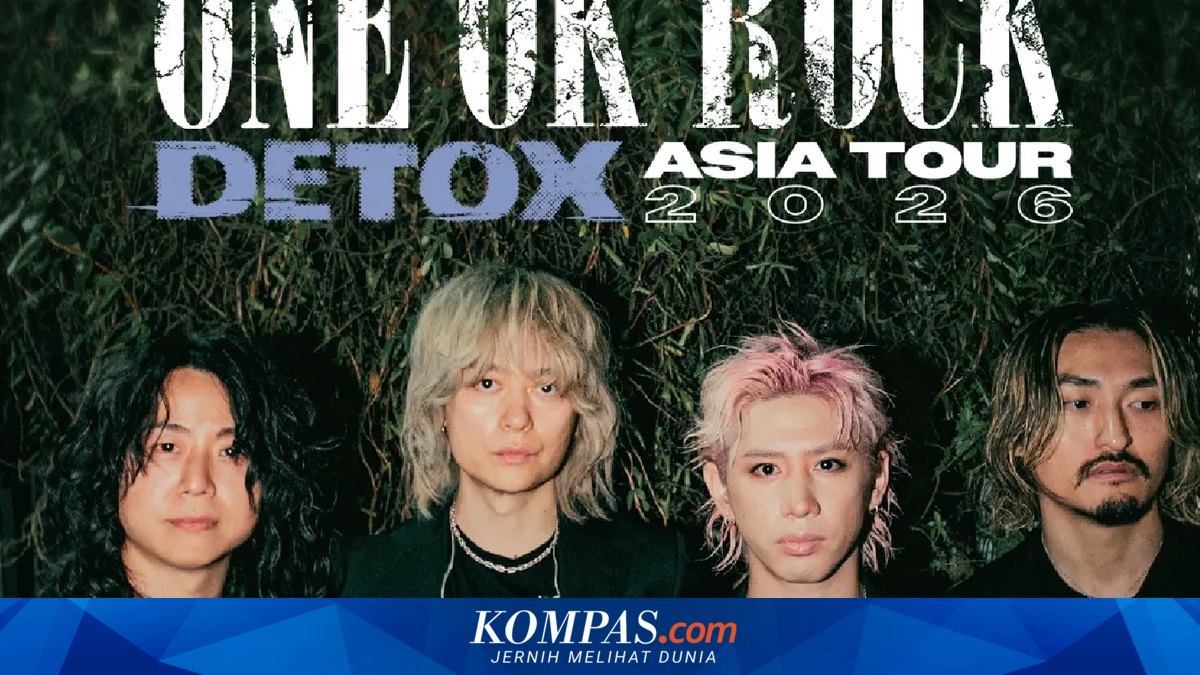
KOMPAS.com - The Japanese rock band, One Ok Rock (OOR), is scheduled to hold a concert titled “Detox Asia Tour 2026” at Indonesia Arena, Central Jakarta, tomorrow (16 May 2026). This event will undoubtedly be an opportunity for fans (One Ok Rockers) to capture concert footage, especially for Samsung Galaxy Ultra users who are known for their phones’ sharp cameras and high zoom capabilities for recording concerts. To ensure that the concert videos remain sharp, stable, and with minimal noise despite the changing stage lighting, here are some camera setting tips for the Galaxy S26 Ultra, Galaxy S25 Ultra, and Galaxy S24 Ultra, as provided by KompasTekno. For users who prefer simplicity, the standard camera mode is actually sufficient to produce good-quality concert footage. Here are the camera settings for the Samsung S24 Ultra to record HD concert footage, and the camera settings for the Samsung S26 Ultra and S25 Ultra to record concert footage. With these simple settings, users can easily record concert footage without having to delve into complicated settings. For concert-goers who want their footage to look “professional,” they can try the “Pro Video” feature on the Galaxy S24 Ultra, Galaxy S25 Ultra, and Galaxy S26 Ultra. In Pro Video mode, users can record footage by manually adjusting ISO, shutter speed, EV, and white balance. The Pro Video feature can be accessed by opening the camera app, clicking “More,” and selecting “Pro Video.” Here are the details: Record in a 9:16 aspect ratio, which is suitable for vertical content such as Instagram Stories/Reels, TikTok, etc. Then, select UHD/4K 60fps to ensure that the video remains sharp and smooth even when the concert lighting changes.