
BPJS Health Card Lost: Do You Need to Reprint It? Here's the Explanation
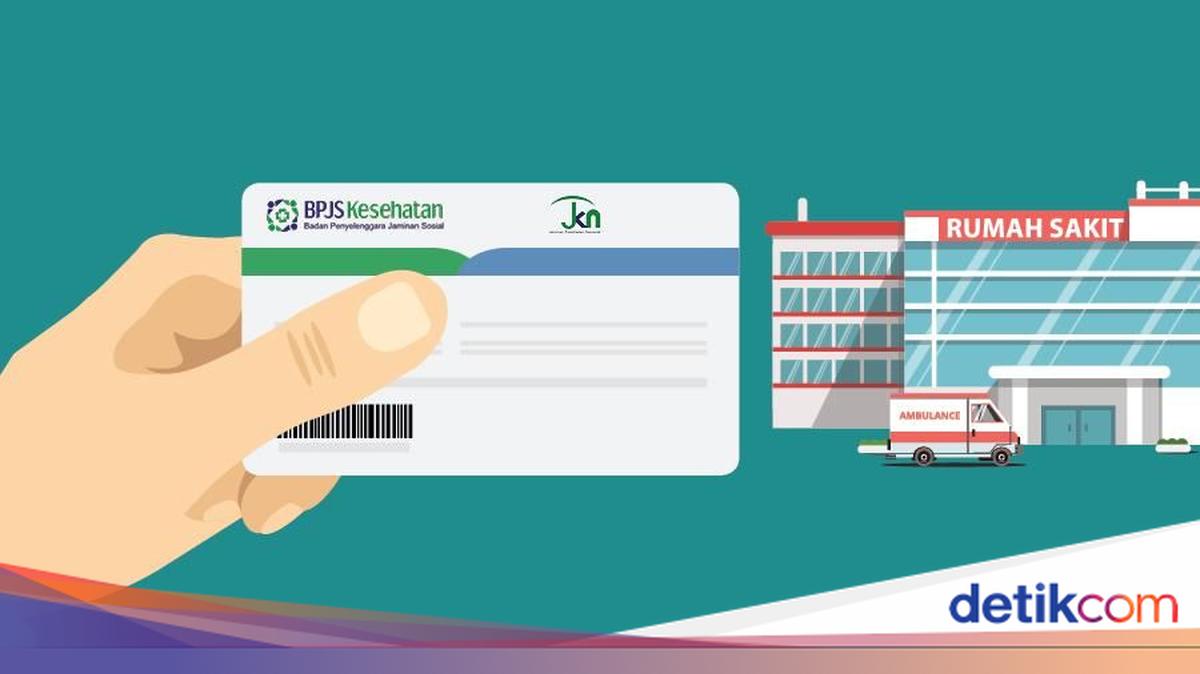
Losing important documents often causes panic for many people, especially when they are needed for administrative requirements. One card-shaped document that is prone to getting misplaced is the BPJS Health card. In medical emergencies, this card is essential for obtaining healthcare services without cost barriers. However, if it is lost, do participants need to reprint their card? In line with the government’s and policymakers’ digitalisation efforts, the national health insurance system has undergone significant changes. At community health centres or hospitals, the public no longer needs to rely on a single card to access nearby healthcare facilities. So, what is the procedure if a BPJS Health card is lost? Read the following explanation to find out. Do You Need to Reprint a Lost BPJS Health Card? Quoting the Bejiharjo Village Gunungkidul website, since 2022, BPJS has stopped issuing physical cards for participants. This aligns with the new policy that designates the Population Identification Number (NIK) as the identity number for all JKN programme participants with the Indonesia Healthy Card (KIS). Therefore, if the BPJS card is lost, participants are not required to reprint the physical card. When needed, BPJS participants simply need to show their ID card or state their NIK at various healthcare facilities. Participation data is automatically integrated into the JKN system. How to Access the Digital Card in the Mobile JKN App If BPJS participants have not yet registered an account in the Mobile JKN app, the registration steps are as follows, quoted from the BPJS Health website. - Download the Mobile JKN app from the Play Store or App Store. - Upon entering the app, select the ‘Register’ option. - Enter the requested data, such as NIK, full name, date of birth, and captcha code. - Click ‘Verify Data’. - Enter active phone number data that has credit to receive the OTP verification code. - Write a new password and click ‘Register’. - Wait a moment until the OTP verification code appears, then enter that code into the Mobile JKN app. - Tick the ‘I Agree’ section to approve the terms and conditions of Mobile JKN. - Click ‘Register’ and you will be directed to the main page. - Click ‘Login/Enter’. After successfully registering, you need to log in to the Mobile JKN app. The steps are as follows: - Open the Mobile JKN app then click the ‘Enter’ menu to proceed to the login page. - Type your NIK according to the available options. - Enter the password along with the displayed captcha code. - Click ‘Enter’ to access the services. This is the information on whether or not to reprint a lost BPJS card. In conclusion, you do not need to reprint the card and only need to show your NIK and ID card at the intended healthcare facility. Hopefully useful!