
Beyond RAM and Processors: The Factors That Determine Laptop Speed
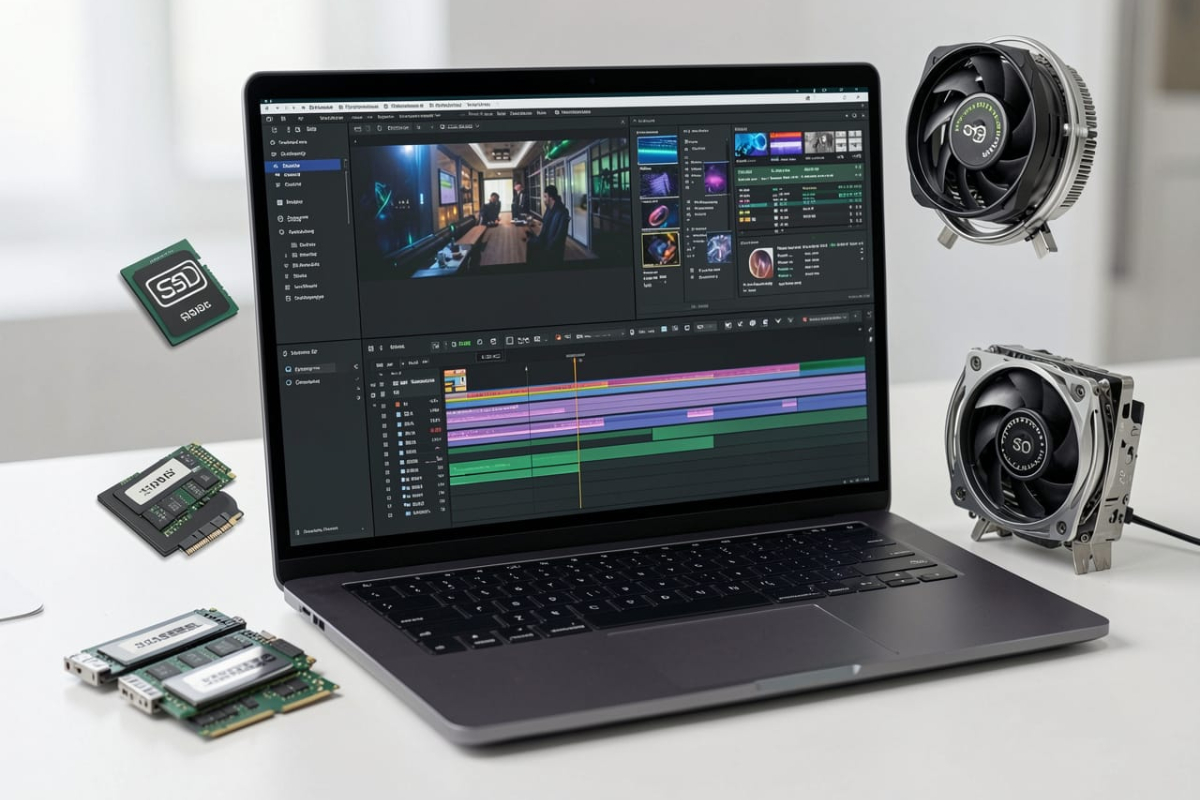
Many people assume that RAM capacity and processor type are the primary determinants of a laptop’s speed. However, daily device performance is influenced by various components working simultaneously.
A laptop with large RAM and the latest processor is not necessarily fast if other components are inadequate. One of the most influential factors is storage media. According to Intel, using a Solid State Drive (SSD) can significantly increase system responsiveness compared to a Hard Disk Drive (HDD). SSDs possess much higher data read and write speeds, allowing tasks such as booting up, opening applications, and moving files to be completed in seconds. In fact, upgrading from an HDD to an SSD often provides a more noticeable performance boost than simply increasing RAM capacity.
In addition to storage, RAM speed also affects performance. Beyond capacity, RAM generations such as DDR4 or DDR and DDR5 have different bandwidths. For instance, a laptop with 16 GB of DDR5 RAM can provide better performance than older generations of 16 GB RAM because it can transfer data to the processor more quickly. However, this improvement is only optimal if supported by a compatible processor and motherboard.
The next factor is the cooling system. When a laptop runs heavy applications, such as video editing or graphic design, the processor temperature rises. If the cooling system is suboptimal, the processor will automatically reduce its operating speed to mitigate heat, a process known as thermal throttling. Consequently, the laptop will feel sluggish despite using a high-end processor. According to Intel, a good cooling design helps the processor maintain maximum performance for longer periods.
The condition of the operating system also impacts laptop speed. Too many applications running at startup, nearly full storage space, and outdated software can lead to decreased performance. Microsoft suggests that users routinely update Windows, delete unused applications, and ensure storage space remains available so the system can operate optimally.
Furthermore, the type of work performed by the user determines the required specifications. For activities such as typing documents, browsing the internet, or attending online meetings, a mid-range processor with an SSD and 8–16 GB of RAM is generally sufficient. Conversely, tasks such as 4K video editing, programming, and 3D design require a combination of a more powerful processor, large RAM, fast SSD storage, and a capable graphics card. Therefore, choosing a laptop should not focus solely on RAM numbers or processor names. A combination of high-speed SSD, appropriate RAM, an efficient cooling system, regular software updates, and specifications tailored to user needs are the true factors in making a laptop feel fast and responsive in daily use.