
Bank Indonesia's Period 2 Schedule for Lebaran New Banknote Exchange: Here's How
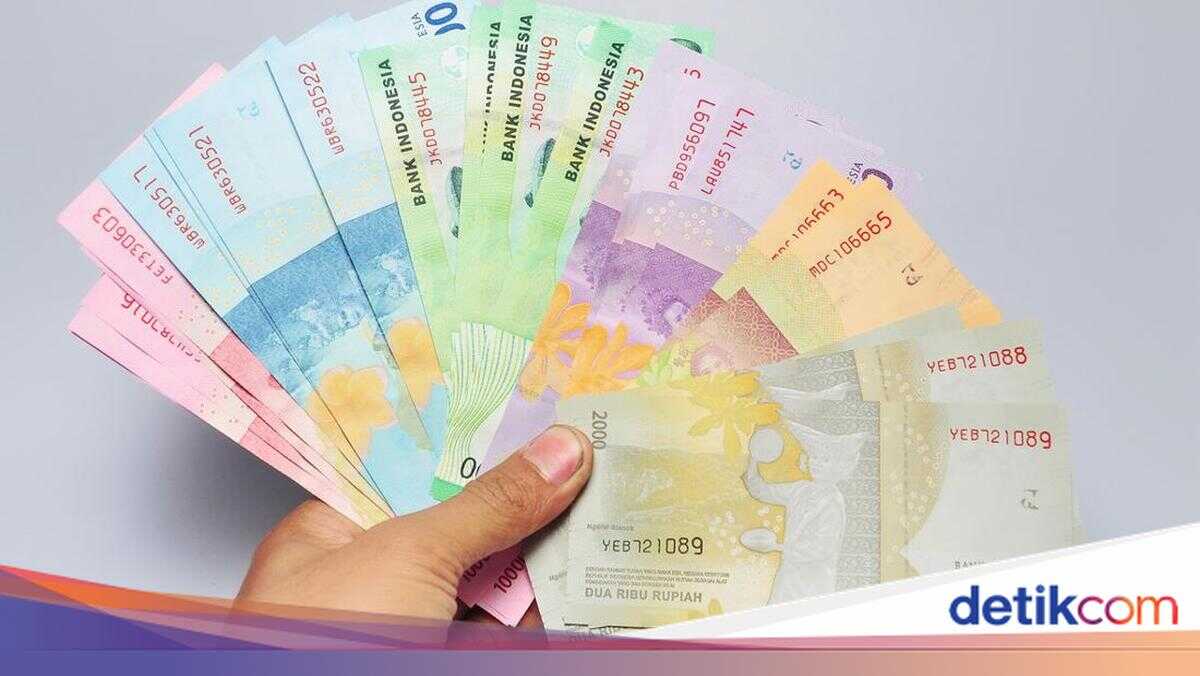
Bank Indonesia (BI) has extended the new banknote exchange period for Lebaran 2026. Through the Semarak Rupiah Ramadan dan Berkah Idulfitri (SERAMBI) 2026 programme, banknote orders can be placed via the PINTAR application.
For those who missed the Period 1 exchange at Bank Indonesia, orders and exchanges are available in Period 2. According to Bank Indonesia’s official Instagram account (@bank_indonesia), the following is the schedule for ordering and exchanging new Lebaran 2026 banknotes at Bank Indonesia during Period 2.
Order Schedule
- Java region: Tuesday, 24 February 2026, from 08:00 WIB until quotas are exhausted
- Outside Java: Friday, 27 February 2026, from 08:00 until quotas are exhausted
Exchange Schedule
- 28 February – 15 March 2026
Key Information
- Prepare your national identity card (KTP) to facilitate personal data entry
- Place orders according to the available exchange locations in your area
- Download or print the order confirmation to present at the exchange point
- It is recommended to clear your browser cache before accessing the website https://pintar.bi.go.id
How to Exchange Banknotes via the PINTAR BI Application
The following is a step-by-step guide to exchanging Lebaran banknotes at Bank Indonesia through the PINTAR application.
Visit the PINTAR website (pintar.bi.go.id) You will be directed to the main page or a waiting room when the system is serving a queue. While waiting, you can view the estimated waiting time and exchange location points, which are updated in real time.
Select Service Once past the queue, click the “Rupiah Banknote Exchange via Mobile Cash Unit” menu on the PINTAR main page.
Select Mobile Cash Unit Location Choose a province using the dropdown menu or by typing the desired province name. After selecting a province, click “View Locations”.
Select Exchange Schedule Choose the operating hours as your arrival time. Click the green “Select” button to continue.
Enter Personal and Contact Details Complete the fields for national identity number (NIK), name, telephone number, and email. Ensure all data is entered correctly. Once completed, click “Continue”.
Enter the Rupiah Amount to Be Exchanged Fill in the desired exchange denomination according to your needs. Enter the captcha code as displayed, then click “Order”.
Order Confirmation Summary After submission, a summary of your mobile cash unit order confirmation will be displayed.
Download Order Confirmation Click “Download Order Confirmation”. The confirmation can be printed or saved as a soft copy.
Exchange Banknotes According to Schedule When exchanging banknotes, do not forget to bring your order confirmation and original KTP.