
Announcement! Manggarai TransJakarta Stop Temporarily Closed from 2 May
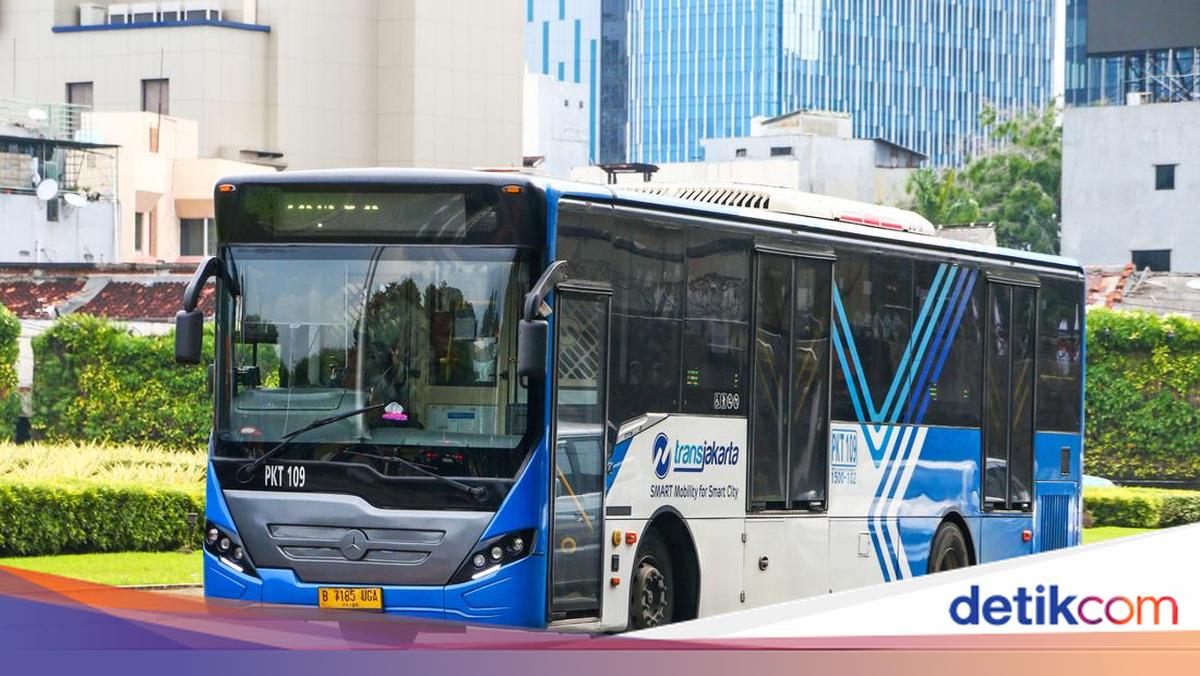
The Manggarai TransJakarta stop will be temporarily closed starting 2 May 2026 in connection with the LRT Jakarta construction. The closure begins at 05:00 WIB.
“Dear TiJe Friends, starting Saturday, 2 May 2026, at 05:00 WIB, the Manggarai Stop will be temporarily closed in relation to the LRT Jakarta construction in the Manggarai area,” quoted from the Instagram account @infotije, Thursday (30/4/2026).
TransJakarta services remain accessible via Temporary Manggarai Stops 1 and 2, located along the roadside. Customers can still use TransJakarta corridors 4, 4D, 6M, and B25 at the temporary stops along the roadside.
How to Check TransJakarta Positions in the App
This is how to check bus arrivals at stops via the TJ: TransJakarta app.
Open the TJ: TransJakarta app
On the Home page, select the ‘Stops & Routes’ menu
Select ‘Stops’, then nearby stops from your location will appear
You can directly select the nearest stop from your location or choose the stop you want to view
On the ‘Stop Details’ page, you can see information on routes available at that stop, bus arrival info, and stop facilities
You can also select ‘Routes’, choose the desired route, then scroll to see the bus position.
How to Check TransJakarta Route Adjustment Information
Here are three ways to check TransJakarta route adjustment information due to road closures, flooding, or other events.
- Via Twitter TransJakarta
Open the X/Twitter app
Log in to your account
Search for the official TransJakarta X/Twitter account @pt_transjakarta
On that account’s page, you can check TransJakarta route adjustment info
- Via Instagram TransJakarta
Open Instagram
Log in to your account
Search for the official TransJakarta Instagram account @infotije
Click on the @infotije Instagram story to find out TransJakarta route adjustment information
- Via the TJ: TransJakarta App
Download the latest version of the TJ: TransJakarta app from the Play Store or App Store
Select the feed feature in the TJ: TransJakarta app
Click on information
Select the routes you frequently use or want to know about
Done! You can directly find out route adjustment information through the TJ: TransJakarta app.