
Ahead of Deadline, 9.66 Million Taxpayers Have Submitted Annual Tax Returns
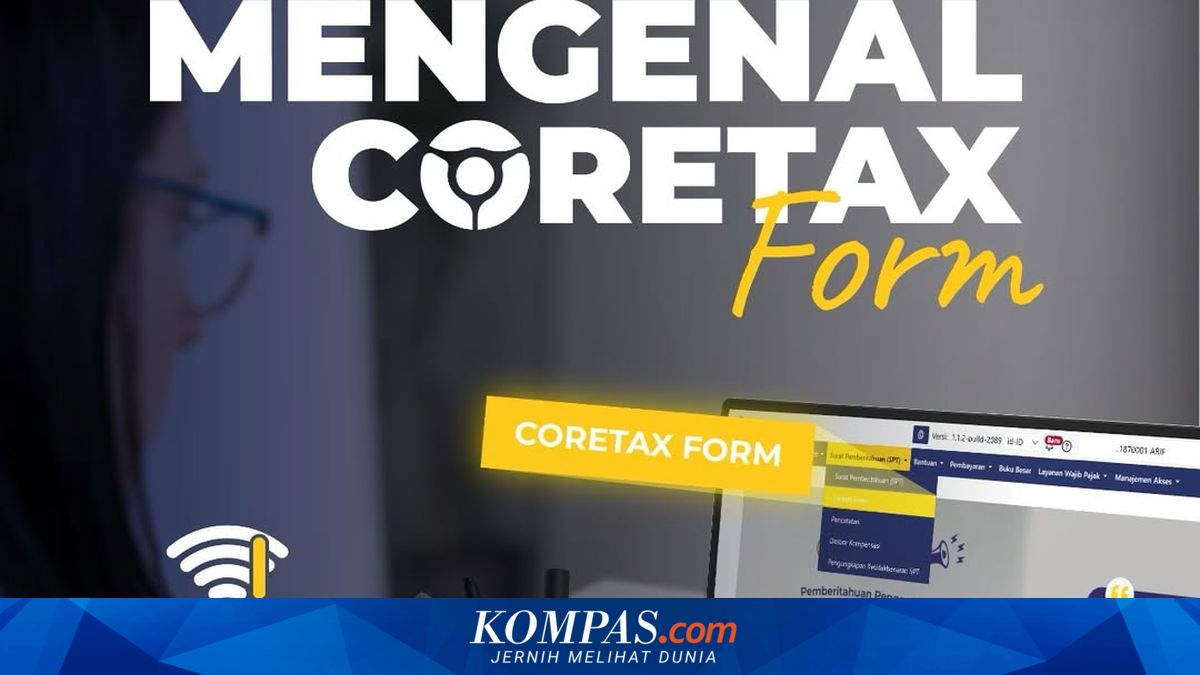
JAKARTA - The Directorate General of Taxes (DJP) has recorded 9,665,246 Annual Income Tax Return Notifications (SPT PPh) for the 2025 tax year submitted up to 28 March 2026.
Director of Dissemination, Services, and Public Relations at DJP, Inge Diana Rismawanti, detailed that the majority of submissions came from individual employee taxpayers, numbering 8,491,269 SPTs.
“Additionally, individual non-employee taxpayers recorded 974,791 SPTs. Meanwhile, submissions from corporate taxpayers reached 197,327 SPTs in rupiah and 139 in US dollars,” said Inge in an official statement on Monday (30/3/2026).
For taxpayers with differing fiscal years who began reporting from 1 August 2025, the number of submissions recorded 1,699 SPTs for corporates in rupiah and 21 in US dollars.
On the other hand, progress in activating DJP Coretax accounts also shows an increase. Up to the same period, the number of taxpayers who have activated their accounts reached 17,143,733.
The breakdown consists of 16,090,048 individual taxpayers, 962,999 corporate taxpayers, 90,459 government agency taxpayers, and 227 taxpayers from the Electronic System-Based Trading (PMSE) sector.
DJP continues to urge taxpayers to promptly submit their Annual Tax Returns and activate their Coretax accounts to facilitate tax administration processes.
For taxpayers who already have a DJP Online account and a 16-digit NPWP, the account activation process can be done with the following steps:
Visit the official Coretax DJP website at https://coretaxdjp.pajak.go.id/ and select the “Taxpayer Account Activation” menu.
Tick the option that the taxpayer is already registered.
Enter the NPWP and click “Search”.
Fill in contact details consisting of the email and mobile number registered in DJP Online.
Perform identity verification.
Tick the statement and click “Save”.
Check the email to receive the account issuance letter containing a temporary password (ensure it comes from the @pajak.go.id domain).
Log in for the first time using that password and follow the subsequent instructions.
After completing this stage, the taxpayer will have initial access to the DJP Coretax system.
How to Apply for Authorisation Code
To sign tax documents, taxpayers need to apply for an Authorisation Code or digital certificate with the following steps:
Log in to the DJP Coretax account.
Go to the “My Portal” menu and select “Request Authorisation Code/Electronic Certificate”.
Select the type of certificate “DJP Authorisation Code”.
Create a passphrase as a security code.
Tick the statement and click “Save”.
Check the status in My Profile → External Identification Number → Digital Certificate.
If the status is not yet valid, click “Check Status” and repeat the process if necessary.
If successful, the status will change to “Valid”.
After obtaining the Authorisation Code, taxpayers can use all Coretax DJP features, including submitting Annual Tax Returns and electronically signing tax documents.
DJP advises taxpayers to immediately activate their accounts and apply for the Authorisation Code to avoid obstacles as the tax reporting deadline nears.