
Aesthetics! Samsung Galaxy S26 Ultra Now Has 5 Colour Presets for LOG Video
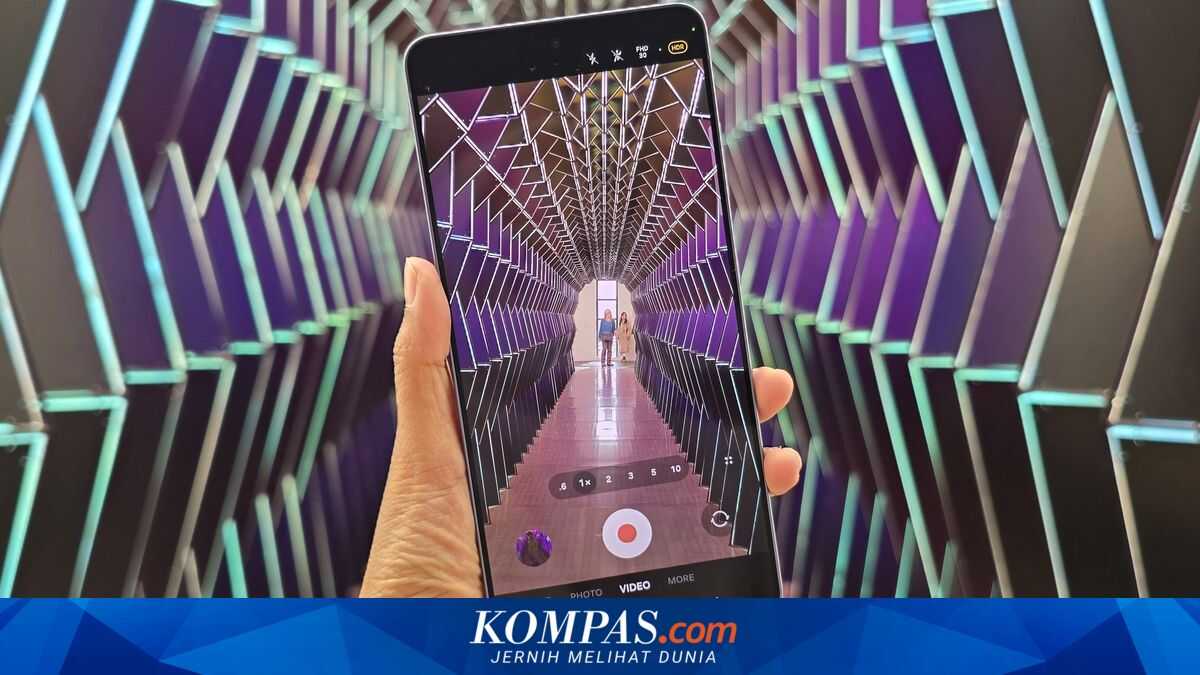
Samsung Galaxy S26 Ultra’s camera features are stepping up to a new level. One of the most interesting updates is the introduction of five built-in colour presets for LOG video. These colour presets allow users to change the look of video to appear more cinematic, directly from the phone without the need for complex colour grading in professional editing apps.
In fact, the LOG video recording feature was introduced by Samsung as early as the Galaxy S25 series last year. This mode uses a flat colour profile that can capture a wider dynamic range, making it suitable for creators who enjoy colour grading.
However, in the previous generation, users could not preview the final colour result while recording. Videos captured with Samsung LOG appeared flat.
The colour changes could be seen after the footage was saved to the Gallery and then ‘correct colour’ applied or transferred to an editing app.
With the S26 Ultra, LOG video is taken to the next level. Users can now apply a total of five colour presets (four of which are new) and see a live preview of the colour changes on the phone screen during recording.
Here are the five LUTs (Look-Up Tables) for LOG video on the Galaxy S26 Ultra, along with descriptions of their colour profiles:
Users of the Galaxy S26 Ultra can find these built-in colour presets directly in the Camera app. Open the Camera, go to the ‘Pro Video’ menu. Enable the ‘LOG’ option at the top right. Then, you will see the ‘LUT’ option. Enable this and select the desired colour preset. Then simply adjust the camera lens as desired and press the shutter button to record.
In addition to the live colour preview while recording, Samsung also allows editing the colour presets directly from the phone’s Gallery app, via the Gallery editor. So users can still adjust the LOG colour presets after recording.
Users can also adjust brightness, contrast, temperature, shadows, etc as usual with the built-in editing tools on Samsung phones. This means creators do not necessarily need to transfer the video to a computer for basic colour grading.
Samsung Galaxy S26 Ultra also supports recording video directly to external storage such as an SSD, as reported by KompasTekno from SamMobile.
With the combination of Samsung LOG features, cinematic colour presets, and real-time colour preview, the Galaxy S26 Ultra brings its professional camera workflow closer.
At the same time, this feature remains user-friendly, even for those who are not technically proficient but want to produce videos that look cinematic.