
9 Simple Steps to Digitise Your Driver's Licence
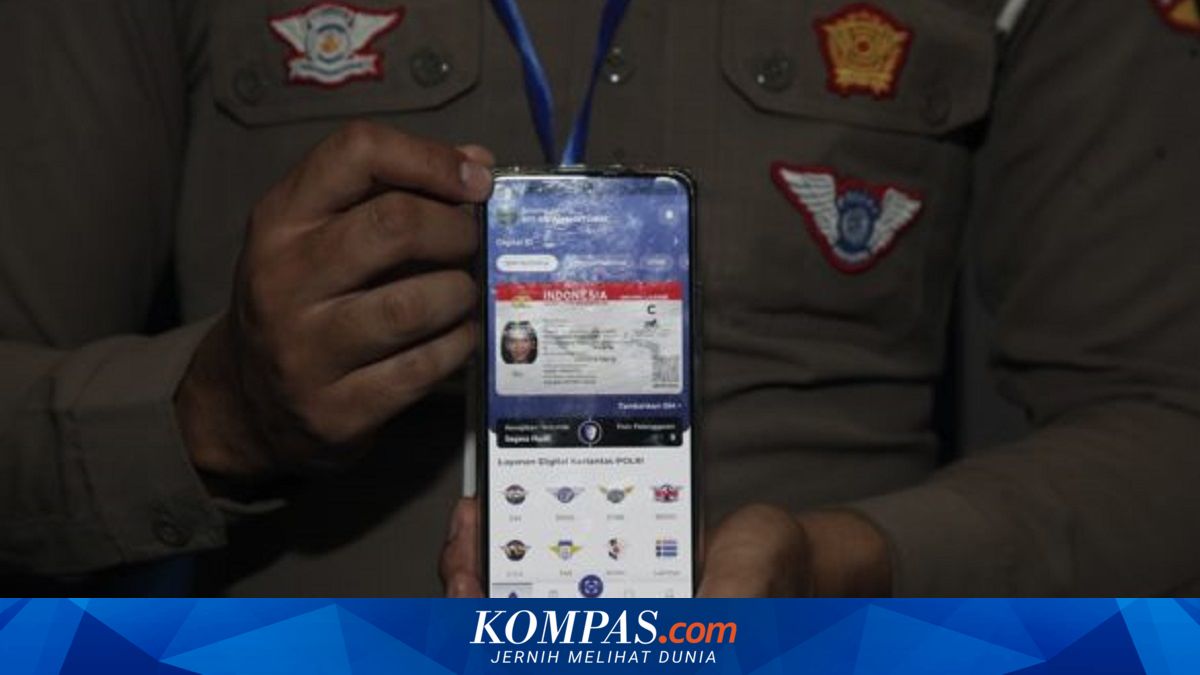
The Indonesian National Police is continuing to push for the digitisation of public services, including vehicle-related documents.
Residents who already hold a Driver’s licence (SIM) can now store the document digitally via the Digital Korlantas app.
The Digital SIM provides convenience for drivers as the document can be accessed directly on smartphones without needing to carry a physical card.
Director of Registration and Identification (Dirregident) of the Indonesian National Police Corps, Brigadier General Wibowo, stated that the first step is to download the Digital Korlantas app on a mobile phone.
“If already installed, select SIM, enter the SIM number, then wait for verification,” Wibowo said in Jakarta recently.
Notably, the app can store multiple types of SIM. Users with multiple categories, such as SIM A and SIM C, can add all their documents to the Digital Korlantas app.
However, the police still advise the public to carry a physical SIM card when driving, as the Digital SIM implementation is currently in development and system refinement.
- Download the Digital Korlantas app
Download via the App Store for iPhone users or Play Store for Android users.
- Log in or Create an Account
Enter the app and ensure the account is verified.
- Select the Digitisation Menu