
7 Tips for Secure Mobile Banking Transactions to Avoid Scams
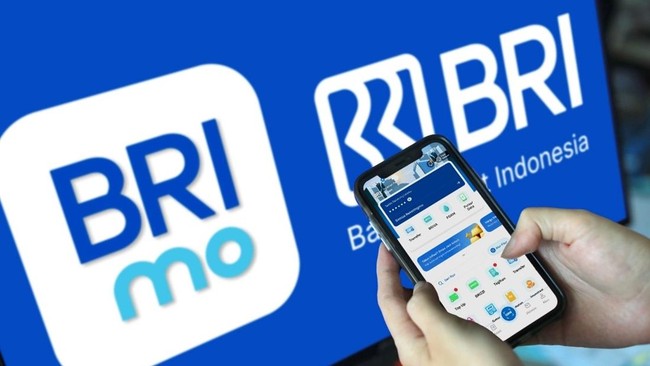
JAKARTA — The digitalisation of banking has made it easy for the public to access various banking services using their devices. PT Bank Rakyat Indonesia (Persero) Tbk’s services, including transfers, savings, financing, and fixed deposits, can now be accessed with a single click via the BRImo app. However, this convenience comes with the risk of digital crimes, requiring BRImo users to remain vigilant.
Here are seven tips for secure transactions on BRImo:
Download the official BRImo application from trusted sources such as Google Play Store or Apple App Store. Avoid clicking on suspicious links claiming to be BRImo.
Avoid using birth dates as PINs for BRImo, as they are easily guessable. Strong privacy protection for account access is essential.
Regularly change your PIN and password to enhance account security. Remember, bank officials will never request your PIN or password; ignore any such requests.
Periodically check your account statements and balances. If suspicious transactions are detected, contact BRI’s call centre at 1500071 or visit the nearest branch.
Use complex passwords combining uppercase and lowercase letters, numbers, and symbols. Avoid personal information such as names, birth dates, or phone numbers.
Be aware of common cyber fraud tactics, including: impersonation by criminals posing as trusted entities; downloading fake apps disguised as legitimate software; altered security settings that disable protections like Play Protect; and unauthorised access to personal data after malicious apps are installed.
In the event of suspected fraud, immediately disable mobile banking apps, contact BRI’s call centre at 1500-017 for urgent assistance, and perform a factory reset on your device to restore security.