
5 Ways to Check if PBI JK is Still Active, Along with Registration Guidelines and Requirements
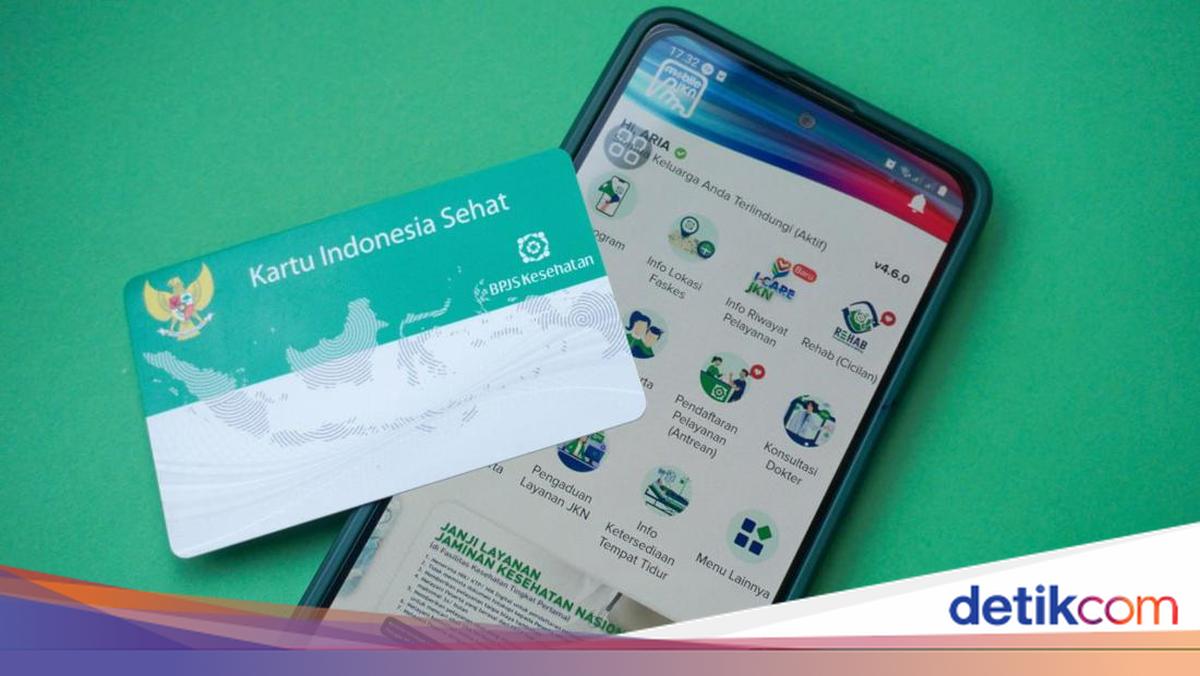
The Penerima Bantuan Iuran (PBI) Jaminan Kesehatan (JK) programme is one of the government’s assistance initiatives in the health sector, aimed at underprivileged communities. As it relates to healthcare services, it is crucial for participants to ensure their membership status remains active.
However, many people are still confused about how to check their PBI JK membership status. Additionally, numerous individuals frequently inquire about how to register as PBI JK participants, as certain requirements must be met.
Therefore, understanding how to check PBI JK status, along with registration steps and requirements, is essential knowledge for the public. Below is a comprehensive guide to checking whether PBI JK membership is still active.
What is PBI JK?
According to information on the official BPJS Kesehatan website, Penerima Bantuan Iuran Jaminan Kesehatan (PBI JK) is a health insurance programme targeted at the destitute and those unable to afford it. Under this programme, participants’ premiums are paid by the government through the State Revenue and Expenditure Budget (APBN) or Regional Revenue and Expenditure Budget (APBD).
This programme provides health protection so that participants can access healthcare maintenance services. PBI JK assistance cannot be cashed out but can be used when accessing services at hospitals or other healthcare facilities.
Who are PBI JK Recipients?
Based on information from the BPJS Kesehatan website and Instagram @pusdatinkesos, PBI JK recipients are groups of people who meet specific criteria. Generally, this assistance is only provided to those who truly need it.
The recipients of PBI JK under Minister of Social Affairs Regulation Number 3 of 2026 include the following:
The destitute poor, namely individuals with no source of income or unable to meet basic living needs.
The unable poor, namely those with income but only sufficient for basic needs, thus unable to pay premiums.
Requirements for PBI JK Recipients
Based on Minister of Social Affairs Regulation Number 3 of 2026, there are several requirements that must be met to become a PBI JK participant. These requirements include:
Indonesian citizens
Possessing an NIK registered with the Directorate General of Population and Civil Registration
Registered in the National Single Social and Economic Data (DTSEN)
Included in quintiles 1-5
If not yet registered in DTSEN, prospective participants can be proposed for inclusion in that data. It should be noted that not everyone in quintiles 1-5 automatically becomes a PBI JK recipient. This is because the government still prioritises recipients from the lowest quintiles.
How to Register for PBI JK Membership
Based on information from Instagram @pusdatinkesos, PBI JK registration is carried out through a data proposal mechanism. To become a PBI JK participant, one must also meet the four requirements above for verification by the relevant authorities.
Several registration options for PBI JK membership include the following methods:
Proposing oneself to the local village or sub-district if not yet registered in DTSEN
Submitting a proposal through the proposal menu on the Cek Bansos app
Awaiting verification and data collection processes by the district/city Social Services Office
Additionally, there are several types of proposals, such as new data proposals, registration for participants who have experienced layoffs, and registration for newborns from PBI JK participants. Proposals are submitted by the Social Services Office at the beginning of each month up to the 11th and must be accompanied by confirmation letters from local government.
However, the public can also propose themselves independently through two methods: visiting the local Social Services Office or via the Cek Bansos app. The complete steps for proposing oneself as a PBI JK participant are as follows.
A. How to Propose PBI JK Membership via Social Services
Based on information from the Wonogiri Social Services website, the public can propose PBI JK membership through the following mechanism:
Prepare requirements such as a letter of certification from the village/sub-district endorsed by the sub-district head, photocopies of ID card and family card, and medical records for those with chronic illnesses.
Submit the PBI JK membership proposal to the local Social Services Office.
Officers input the proposal data.
The verification team checks the eligibility of the submitted data.
The proposal is submitted to the leadership for approval.
Once approved, the data is forwarded to the Health Services Office and BPJS Kesehatan.
B. How to Propose PBI JK Membership via the Cek Bansos App
Referring to posts on Instagram @pusdatinkesos, here are the steps to propose oneself as a PBI JK social assistance recipient:
Download the “Cek Bansos” app from the Play Store or App Store.
Log in using a Google account or registered account.
Select the “Proposal” menu.
Click the “Add Proposal” button to add a new proposal.
Enter the Family Card Number and NIK, then click “Check Proposal”.
The system will process and verify the proposed NIK as a social assistance recipient.
If not meeting the quintile requirements, a notification will appear advising data updates.
If meeting the requirements, a submenu for types of social assistance, including PBI JK, will appear.
Select PBI JK social assistance for proposal.
The system will automatically display a notification of successful social assistance proposal.
How to Check PBI JK Activity Status
Based on information from Instagram @bpjskesehatan_ri and Ministry of Social Affairs data, PBI JK membership status can be checked through several official services. This method makes it easy for the public to confirm whether membership is still active or not.