
3 Ways to Check Your Social Assistance Decile, from Online to the Sub-district Office
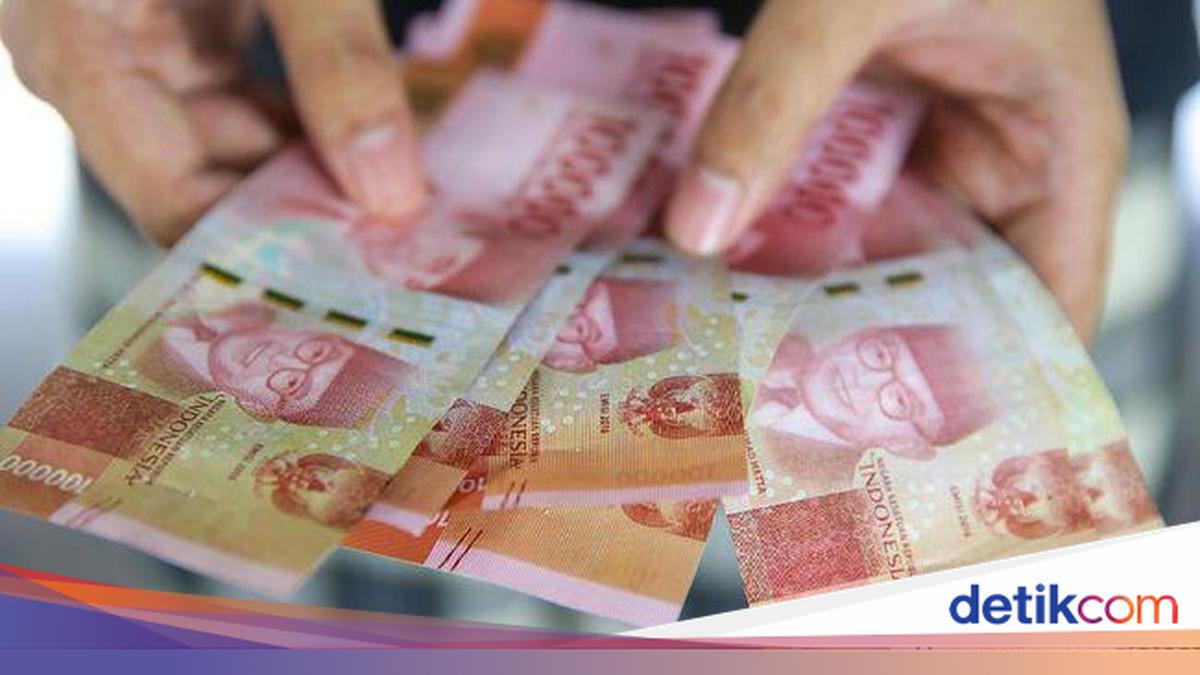
Decile status within the National Socio-Economic Single Data (DTSEN) has become a frequently sought-after piece of information among the public. This data is utilised by the government in various social programmes, including as a primary consideration for the distribution of social assistance (bansos).
According to information from the Ministry of Social Affairs (Kemensos), a decile is a grouping of community welfare levels divided into 10 groups based on socio-economic conditions. Decile 1 contains the group with the lowest level of welfare, while decile 10 represents the group with the highest level of welfare.
This grouping is used by the government as a basis for formulating social policies and social protection programmes. By knowing their decile status, citizens can understand their socio-economic position as recorded in the DTSEN.
Citizens wishing to know their decile status can now perform checks using several methods, ranging from online services to visiting local government offices directly.
- How to Check Social Assistance Decile via the Official Ministry of Social Affairs Website
The Ministry of Social Affairs provides a service to check social assistance data through the official Cek Bansos website, which can be accessed by the public at any time.
The steps are as follows:
Open the website cekbansos.kemensos.go.id
Enter your 16-digit National Identification Number (NIK) as per your ID card (KTP)
Type the verification code displayed in the box
If the code is unclear, click the refresh icon
Click the SEARCH DATA button
The system will display the registered information.
- How to Check Social Assistance Decile via the Cek Bansos Application
In addition to the website, the public can also use the Cek Bansos application provided by the Ministry of Social Affairs.
The steps are as follows:
Download and open the Cek Bansos application.
Log in using a registered account.
Enter the social assistance data checking menu.
Enter the data requested by the system.
Click the search button.
The registered information will be displayed on the screen.
- How to Check Social Assistance Decile at the Village/Sub-district/Social Services Office
Citizens who face difficulties accessing online services can perform checks directly through the local government.
The steps are as follows:
Prepare your ID card (KTP) and Family Card (KK).
Visit the village office, sub-district office, or the Social Services Office (Dinsos) according to your domicile.
State your purpose to check the decile data within the DTSEN.
Submit the required documents to the officer.
The officer will perform the data check.
The results of the check will be communicated to the applicant.
These are the three ways to check social assistance decile status that can be performed according to your needs and access. If any data discrepancies are found, citizens can consult with the local government or the local Social Services Office.
Source: jawawa.id (https://jawawa.id/newsitem/3-ways-to-check-your-social-assistance-decile-from-online-to-the-sub-district-office-1781319074)
Originally published by detikcom (https://news.detik.com/berita/d-8529833/3-cara-cek-desil-bansos-bisa-online-hingga-ke-kelurahan), translated from Indonesian