
12 Windows Notepad Features You Need to Know
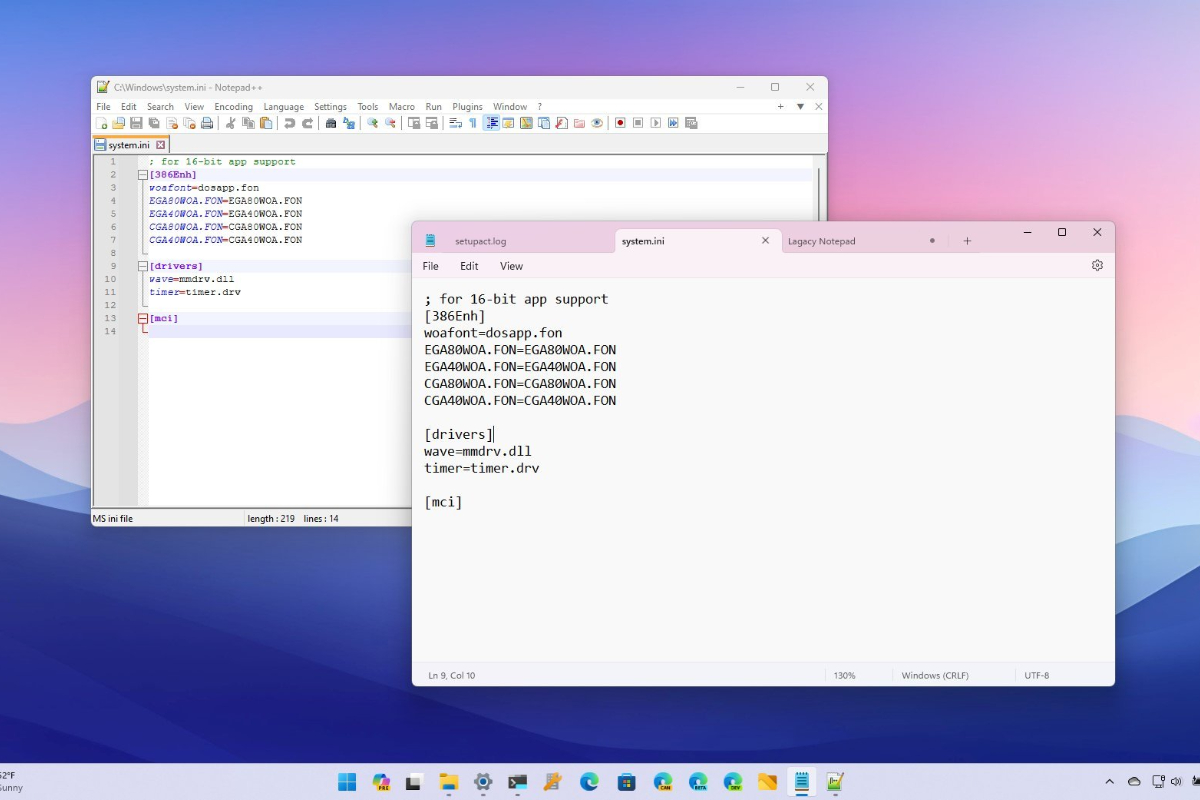
Windows Notepad is a simple text editor included with Microsoft Windows, used for creating, opening, editing, and saving text files. Notepad has been part of Windows since its early versions and is known for its lightweight, fast, and user-friendly interface. It now supports tabs, allowing multiple text files to be opened in a single window without multiple instances. Automatic document saving enables recovery of unsaved files upon reopening. A dark mode provides comfort in low-light environments. The Find and Replace feature allows quick searching and replacement of text. Text size can be adjusted via the View menu or keyboard shortcuts. Long text automatically wraps to the next line without horizontal scrolling. When used with the status bar, cursor position in lines and columns is easily visible. Notepad supports encodings like UTF-8, UTF-16, and ANSI for multilingual text editing. It is commonly used for log files, configuration files, and simple scripts due to its efficiency. Useful shortcuts include Ctrl+F for search, Ctrl+H for replace, Ctrl+G to go to a line, Ctrl+N for new documents, and Ctrl+S to save. Recent Windows updates have introduced AI-powered writing assistance for eligible users. Compared to complex editors, Notepad remains one of the lightest applications for quick text editing. Despite its simple appearance, it now includes modern features such as tabs, autosave, dark mode, and multi-format support. These features make it more practical for daily use than older Windows versions. The program first appeared in Windows 1.0 and continues to be maintained for its lightweight, fast, and practical nature in basic typing tasks. It does not support text formatting like bold, colour, or size, and contains plain text only without images or styles.